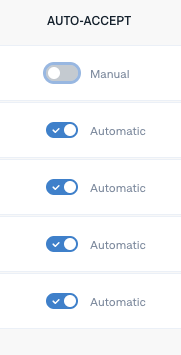
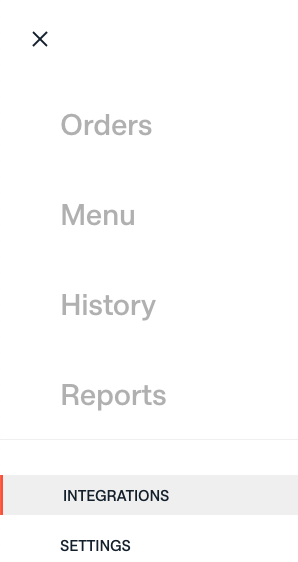
Navigate to the menu icon (☰) in the top left-hand corner of your screen. From the dropdown, click on Integrations. You can update each delivery partner to either Manual Accept or AutoAccept by clicking on the ON/OFF toggle button under Auto-Accept. The help text will indicate what it’s currently set to.
 |
 |
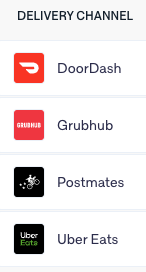
Note: It’s possible to set some delivery partners to manual-accept and others to auto-accept. This customization is up to you.